The allocation of GWS licences has reached its full capacity, and new applications for GWS licences for Students have been stopped." Microsoft 365 is the primary and recommended platform for students. It offers similar features and integrated tools for collaboration, AI, communication and file storage.
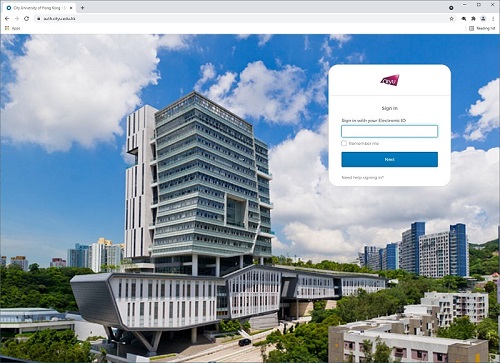
There are 2 ways that you can login @gapps.cityu.edu.hk.
Option 1:
Option 2:
CityUHK Authentication System
You are strongly recommended to use a web browser with latest version listed below which fully supports Google Workspace/Gmail so as to use all its features:
The use of the above Email services is governed by the University's "Policies on Use of IT Services & Resources".