The allocation of GWS licences has reached its full capacity. Any new applications for a GWS licence must be submitted via a CSC work request with a detailed justification explaining why Microsoft 365 cannot meet the specific need. Each new application will be reviewed individually by the CSC. Approval will depend on the strength of the justification and the latest license availability.
There are 2 ways that you can login @gapps.cityu.edu.hk.
Option 1:
Option 2:
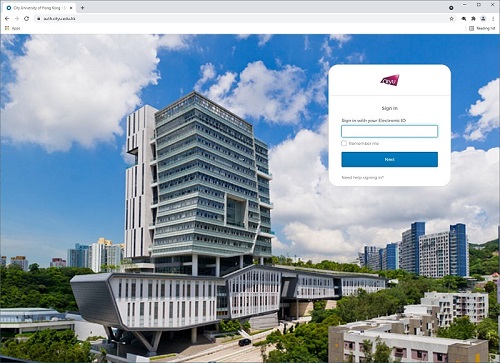
CityUHK Authentication System
You are strongly recommended to use a web browser with latest version listed below which fully supports Google Workspace/Gmail so as to use all its features:
The use of the above Email services is governed by the University's "Policies on Use of IT Services & Resources".